
Whether you’re a counsellor, psychotherapist, CBT practitioner, life coach, mental health professional, or wellness therapist, Bildo helps you manage your schedule, session notes, clients, payments, and admin in a safe, structured and compliant way. Our software for therapists saves you hours each week so you can focus more on your clients

Therapists need clarity, consistency, and privacy. Bildo is built with those exact needs in mind. Instead of juggling multiple tools, you get a single, easy-to-use system designed for individual practitioners and growing therapy practices alike.
Book sessions, manage cancellations, arrange recurring weekly appointments, and block out availability with ease. Syncs with your calendar to prevent overbooking.
Find Out More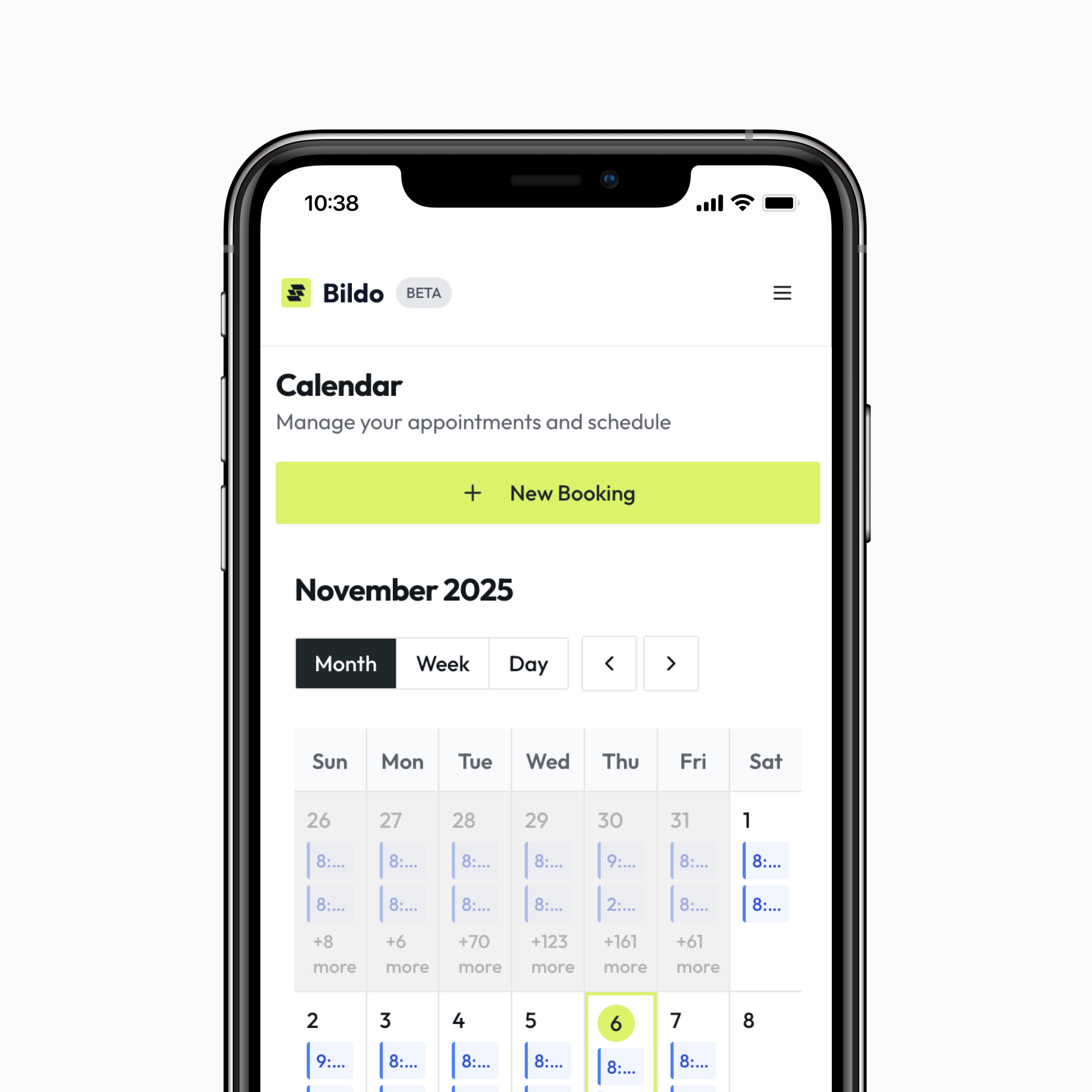
Send intake forms, questionnaires, and assessments before the first session. Collect essential information without chasing emails or reminders.
Find Out More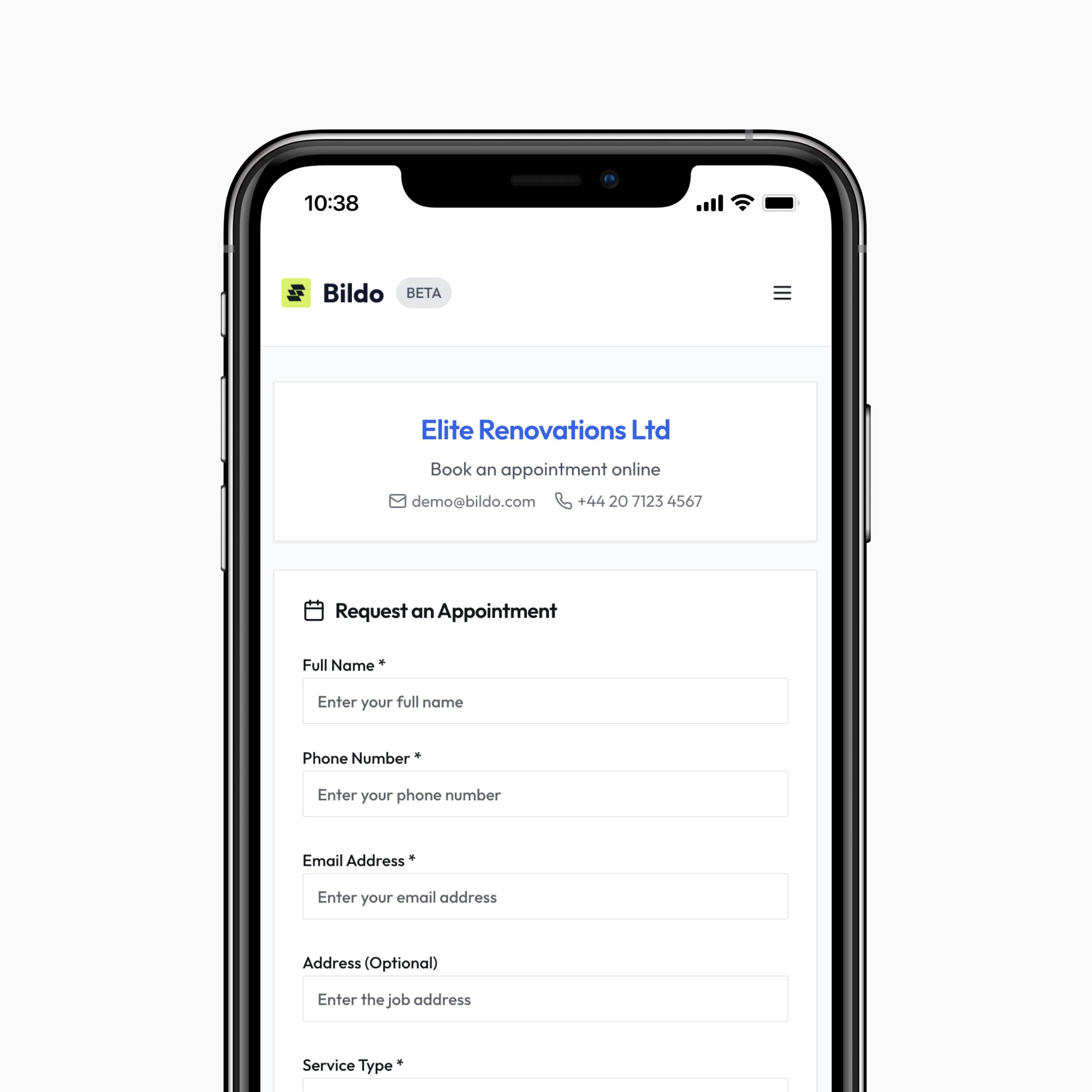
Reduce late cancellations and no-shows with email/SMS reminders sent automatically. Clients stay engaged and committed to their sessions.
Find Out More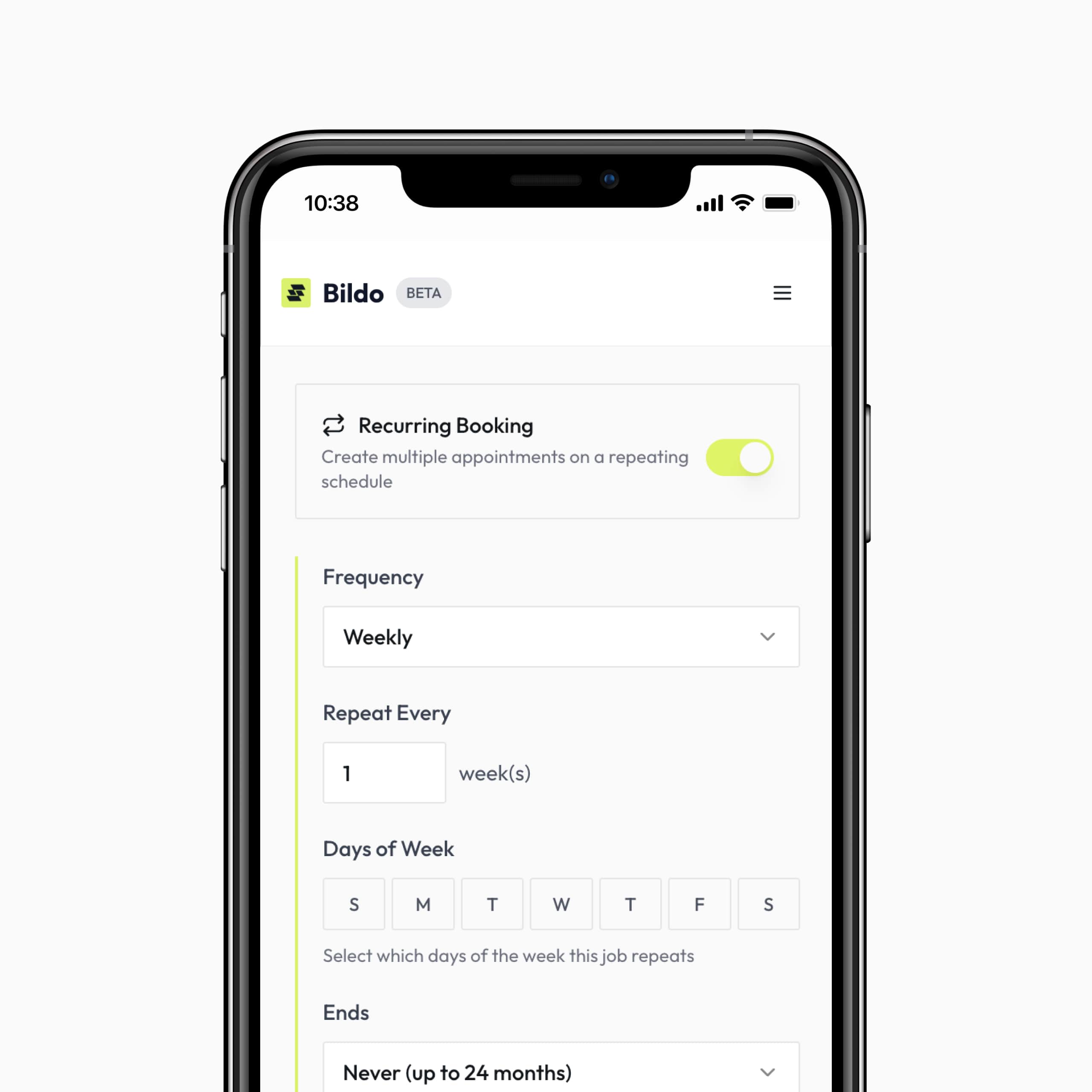
Record payments, session fees, package purchases, and outstanding balances. Issue receipts and monitor missed payments without awkward follow-up conversations.
Find Out More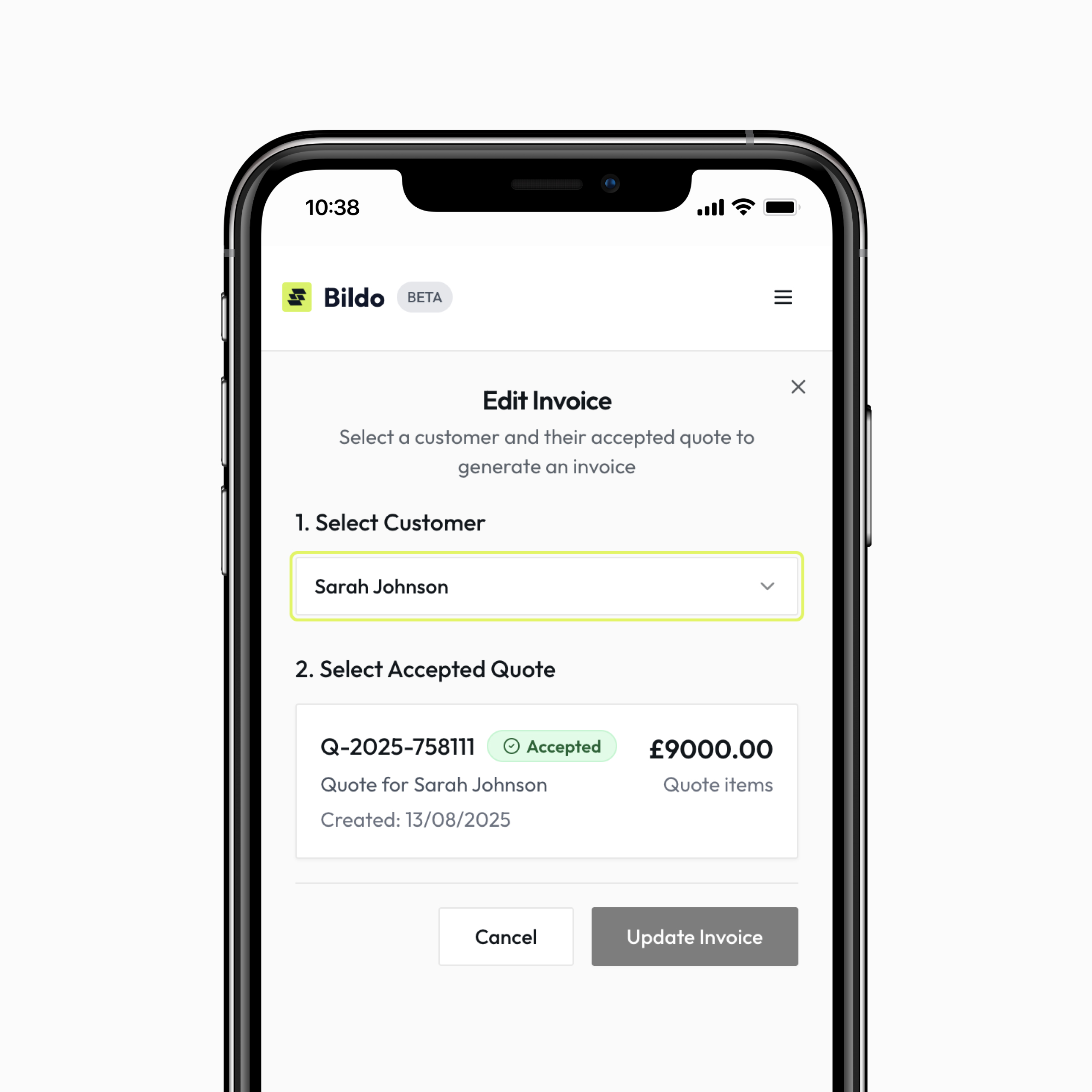
Perfect for therapists working between clinics, delivering home visits, or supporting clients remotely.
Find Out More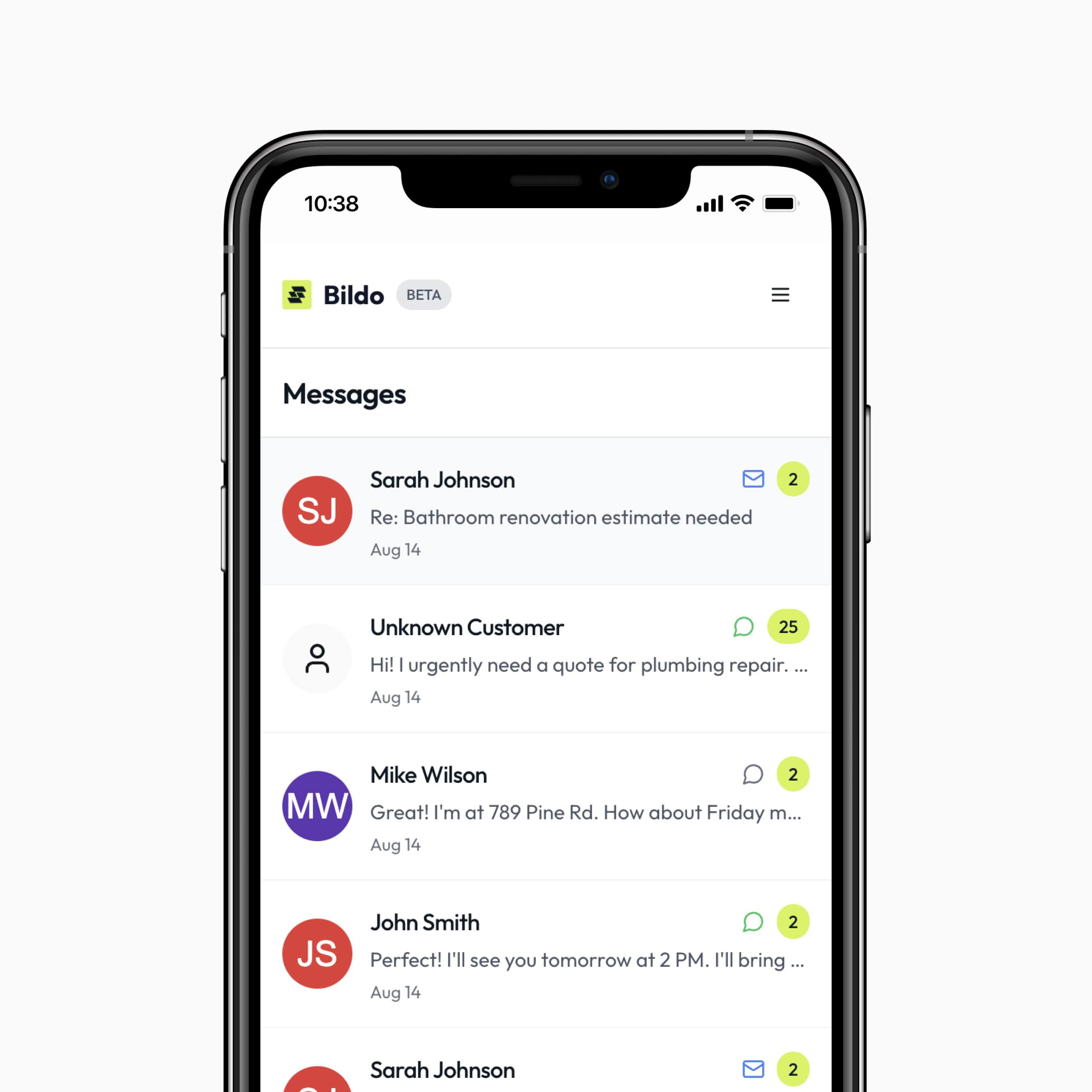
Whether you're independent or part of a group practice, Bildo keeps your workflow streamlined and professional.
Find Out More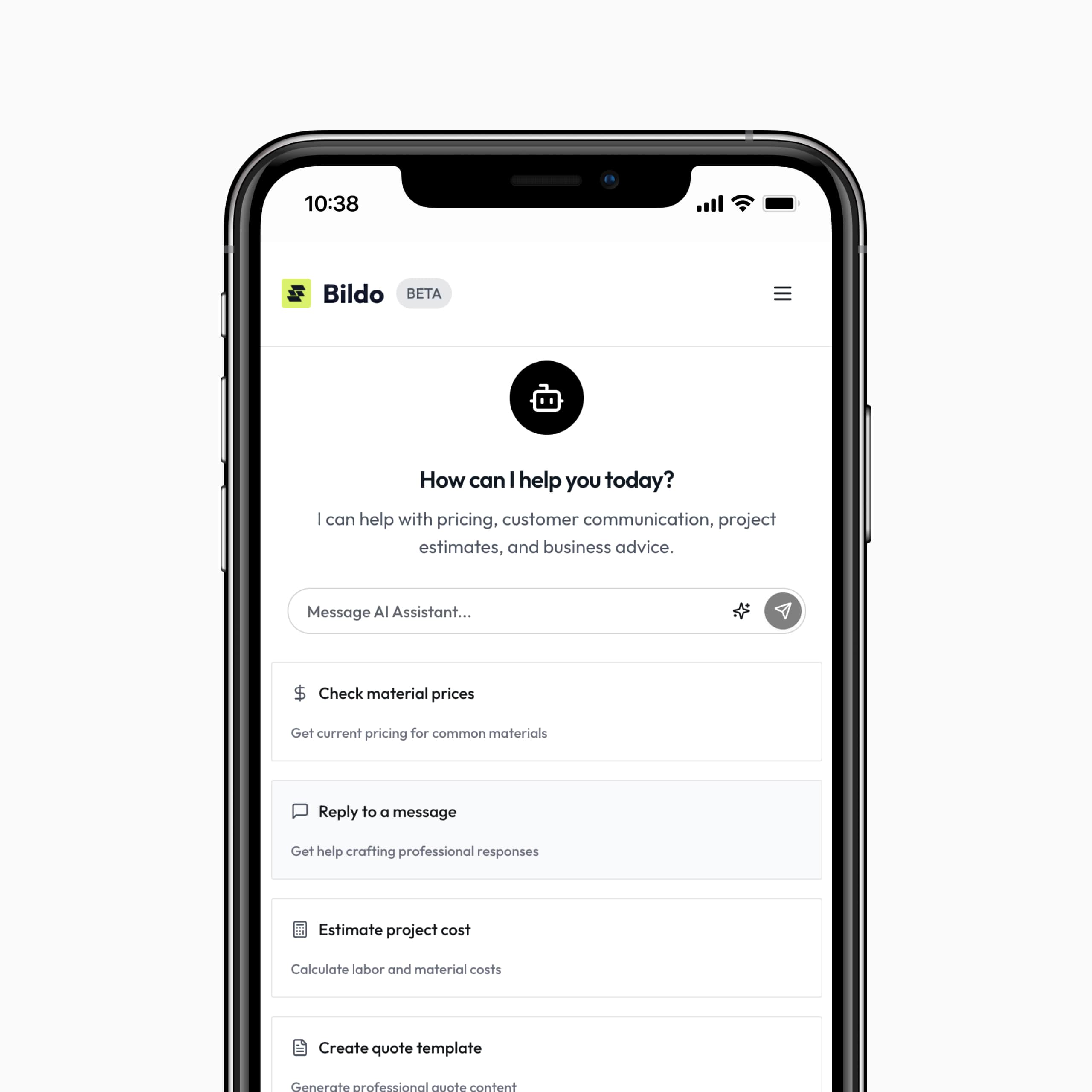
Take our 2-minute quiz to find out how much time you could save each week with Bildo.
Therapists often have specific questions about data privacy, workflow structure, and session management. Below are the most common therapist-focused questions to help you understand how Bildo supports your practice.
Very secure. All notes, documents, and client information are encrypted and hosted on secure servers. Bildo is built to protect sensitive therapeutic information.
Yes. You can store detailed counselling notes, reflections, diagrams, assessments, and summaries in each client profile fully organised and searchable.
Absolutely. Set recurring sessions in one click, ideal for ongoing therapy and long-term treatment plans.
Yes, online, hybrid, and in-person therapists all use Bildo to manage schedules, clients, and payments. Works perfectly alongside video platforms.
Yes. You can migrate past notes and files into Bildo to keep all your records in one place.
Yes, automated reminders significantly reduce missed appointments and keep clients engaged in their therapeutic journey.
Yes, everything can be attached to the client profile for instant access.
Most therapists are fully set up within 20–30 minutes. Add clients, set your availability, and you’re ready to run a streamlined practice.
Bildo keeps your jobs, clients, and payments organised all in one place.