
Designed for domestic landscapers, garden maintenance businesses, lawn-care teams, hard-landscaping contractors, and groundskeeping services, Bildo gives you one organised system to manage jobs, clients, quotes, photos, payments, and schedules. With our software for landscapers, you get full clarity over every job

Running a landscaping business means juggling multiple job sites, changing weather conditions, equipment planning, repeat maintenance visits, client communication, quotes, team schedules, travel routes, and constant admin. Most landscapers rely on texts, paper notes, WhatsApp messages, and spreadsheets, which quickly becomes messy and time-consuming.
Plan daily, weekly, or long-term landscaping jobs with a clear calendar. Assign workers, schedule maintenance routes, and organise your team's day without overlap. Bildo helps you manage multiple job sites at once.
Find Out More-min.jpg)
Store lawn sizes, plant types, soil conditions, gate codes, access notes, client preferences, seasonal requirements, irrigation details, and photos — all in one place for accurate planning.
Find Out More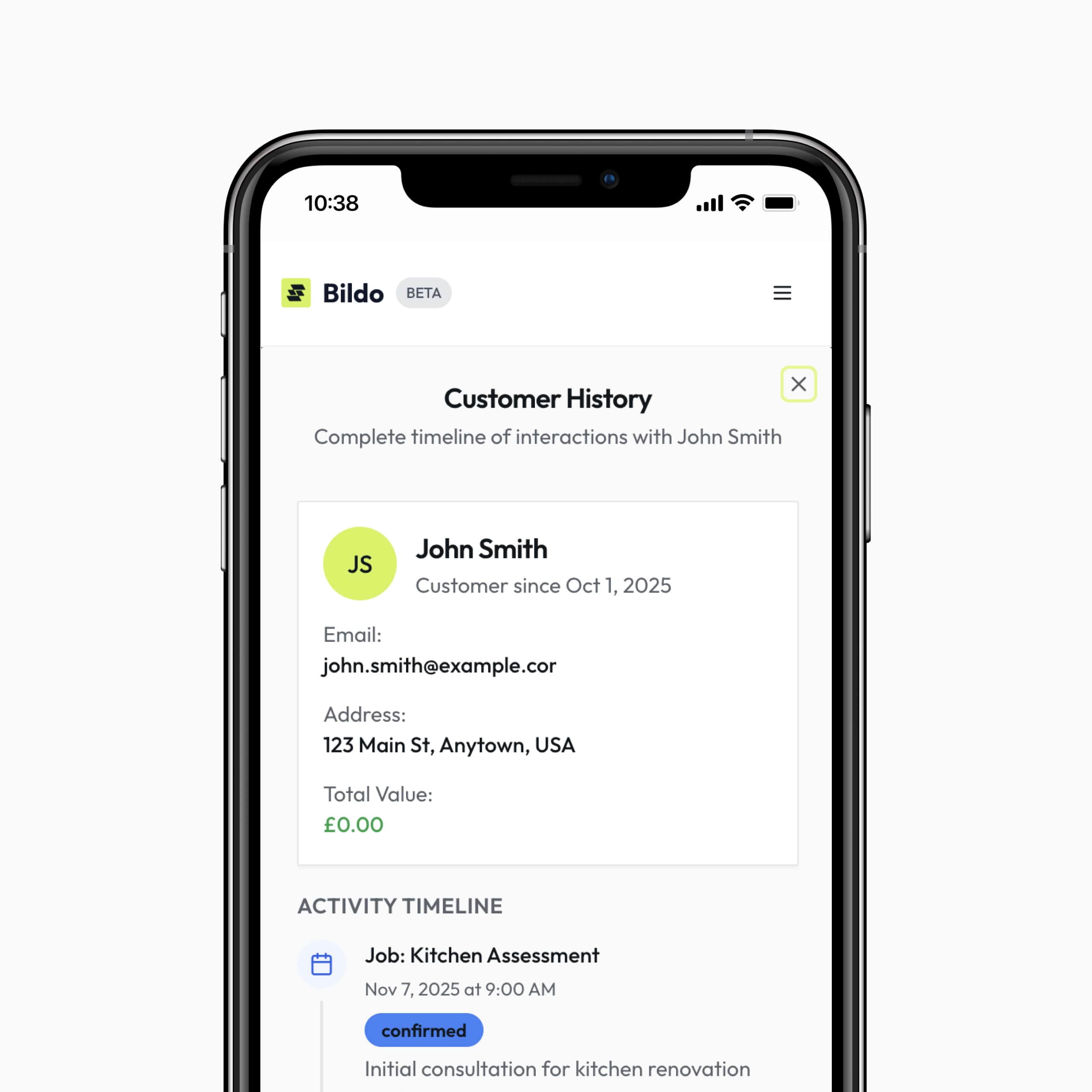
Create fast, professional quotes for garden maintenance, turfing, fencing, patio work, hedge trimming, and large landscaping projects. Track when clients view and approve them for smoother workflow.
Find Out More
Take photos directly on-site and upload them to each job. Perfect for documenting progress, proving work completion, or updating clients while you’re on the move.
Find Out More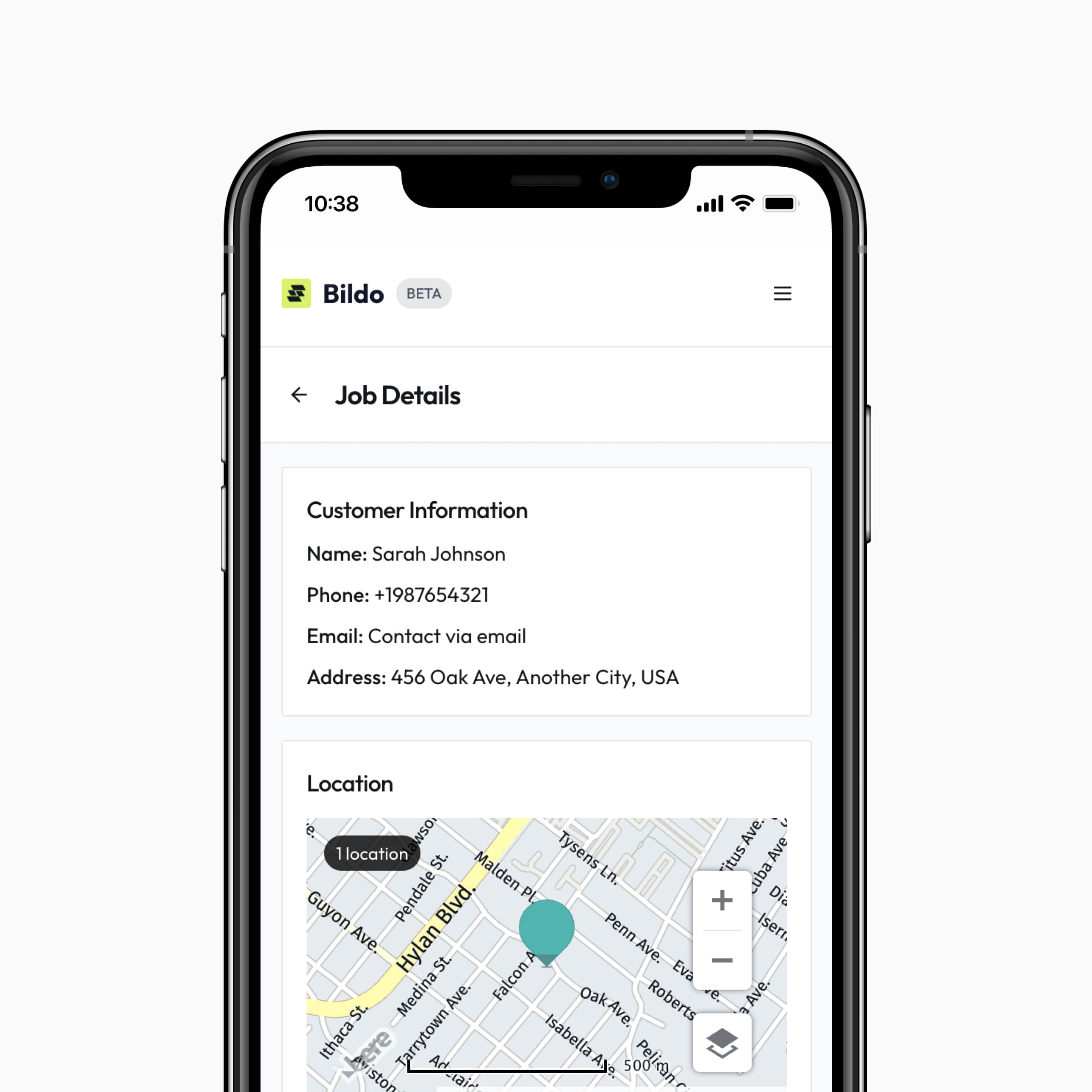
Send invoices, track outstanding balances, log payments, and automate reminders. Stay on top of cash flow without chasing customers manually.
Find Out More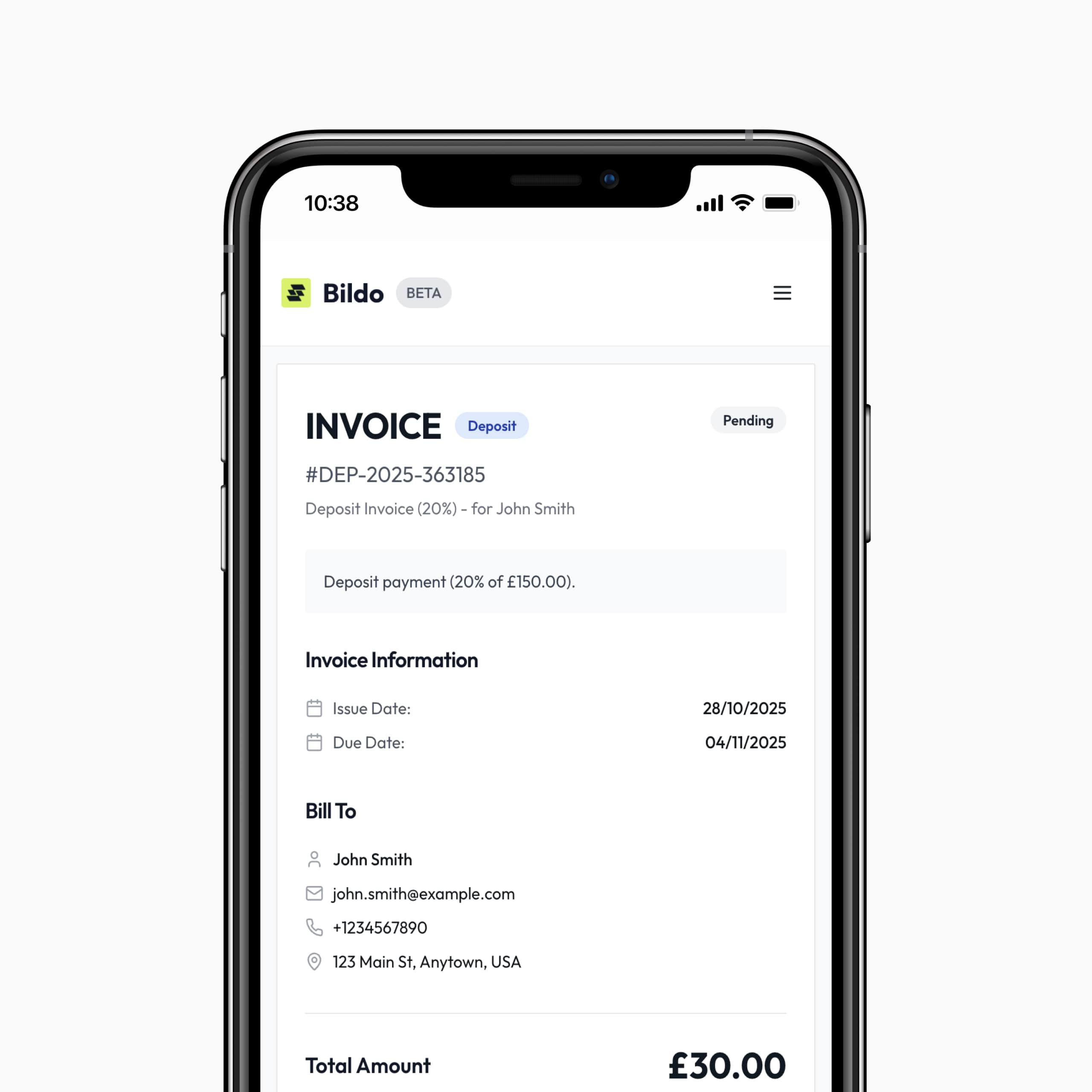
View upcoming jobs, overdue tasks, work-in-progress, and completed projects in a clean, easy-to-navigate dashboard built specifically for landscapers.
Find Out More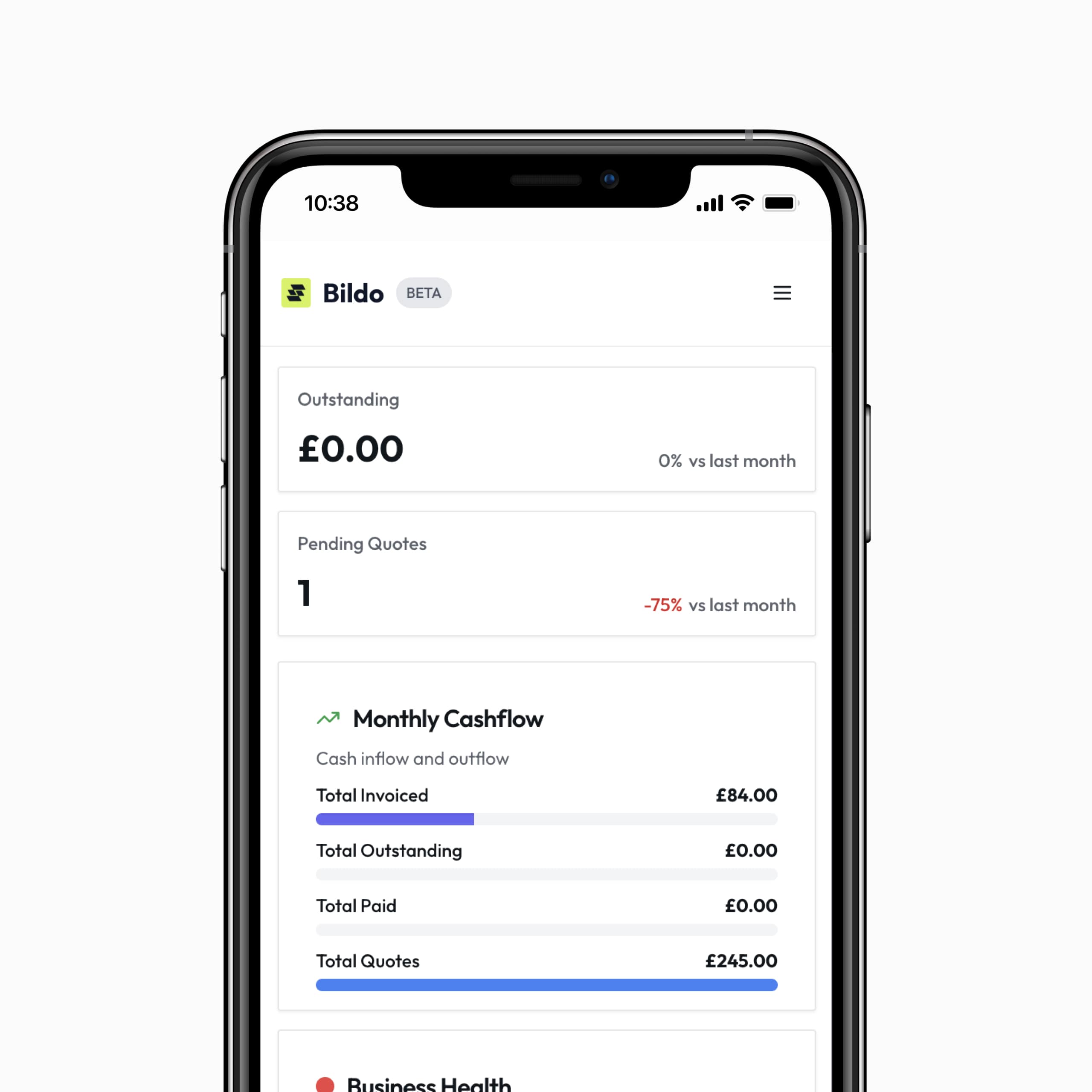
Take our 2-minute quiz to find out how much time you could save each week with Bildo.
Before choosing new software, landscaping and groundskeeping businesses often want clarity about features, on-site usability, and team coordination. These FAQs answer the most common concerns landscapers have.
Bildo centralises every job into one schedule, showing who is assigned, what work is required, and what materials or equipment are needed.
Yes, perfect for weekly lawn care, seasonal visits, hedge trimming schedules, and long-term maintenance contracts.
Absolutely. Crew members can view notes, property details, access instructions, and photos from any mobile device.
Yes. You can create, send, track, and follow up on quotes and invoices inside Bildo — ideal for quick approvals.
Yes, upload before/after photos, site assessments, and progress updates directly from your phone.
Solo landscapers and large landscaping teams alike use Bildo to stay organised and efficient.
You can view every job completed for a client, along with notes, photos, and past invoices.
Most landscapers get set up in under 30 minutes. Add clients, create your service list, and start scheduling straight away.
Bildo keeps your jobs, clients, and payments organised all in one place.